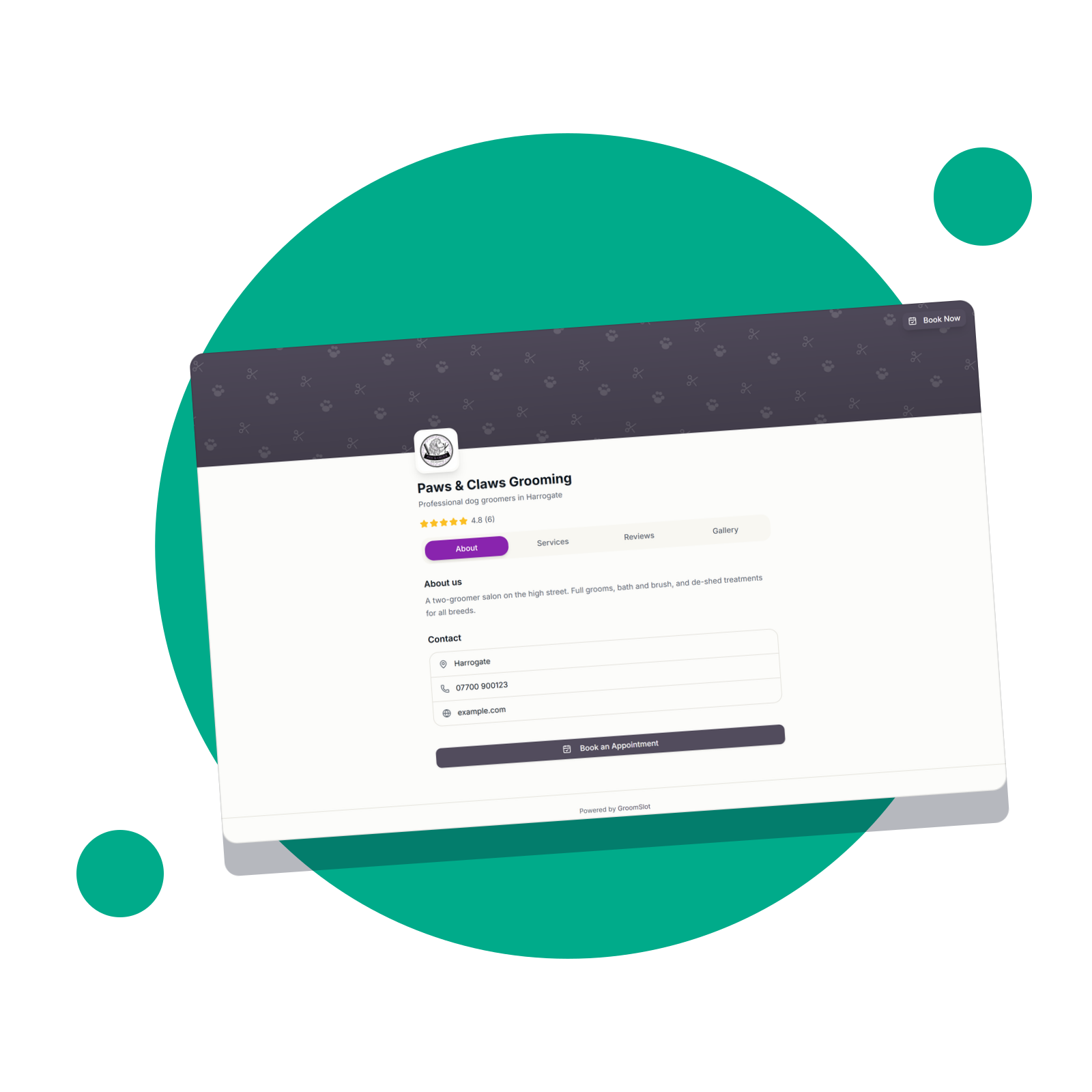
Every GroomSlot account now comes with a built-in public profile page.
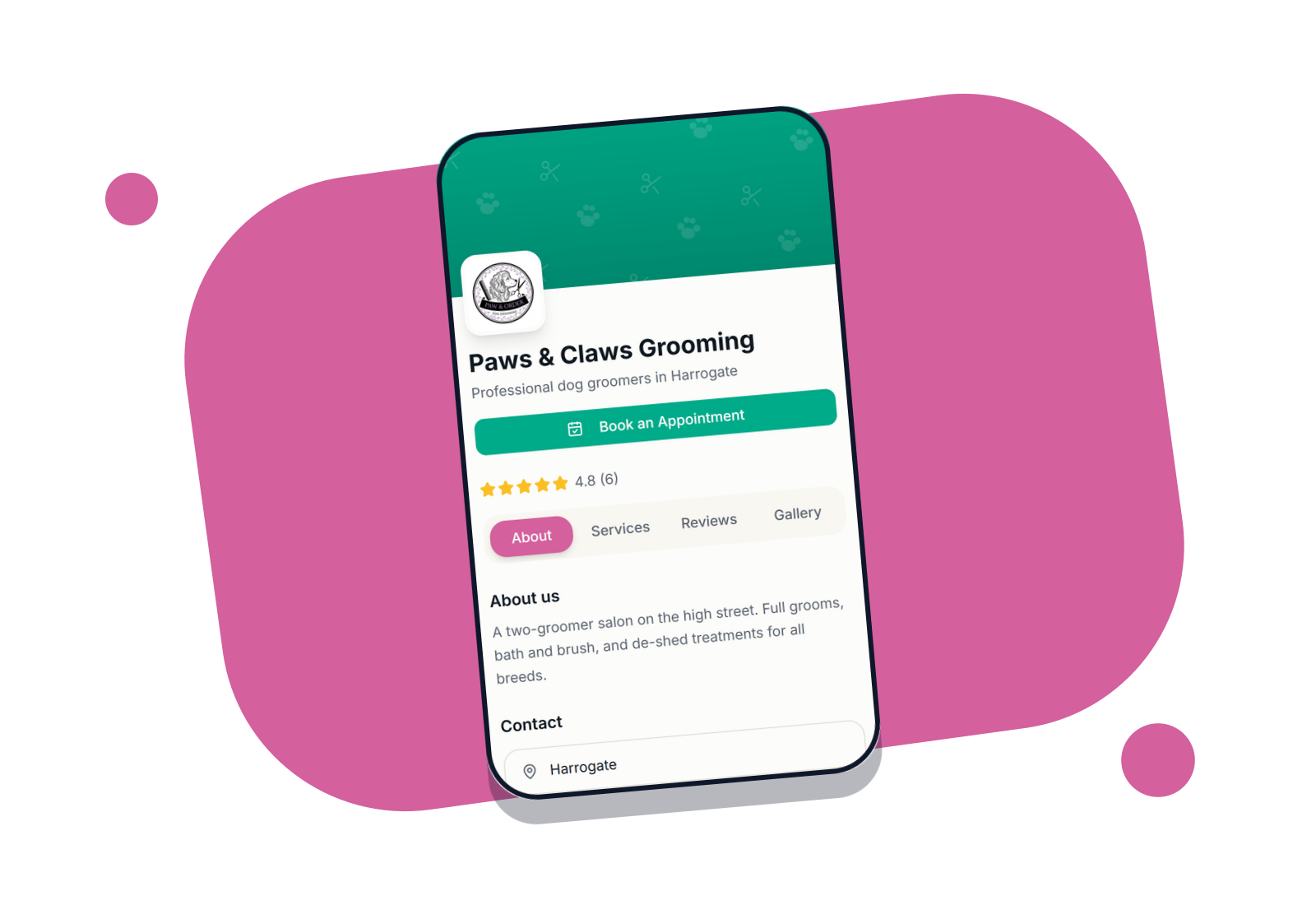
Think of it as a mini website for your grooming business - a clean, mobile-friendly page you can share with new and existing clients that shows everything they need to know and lets them book instantly.
What your profile page includes
- Your logo, cover image, and business name
- A tagline to tell people what makes you special
- All your active services with descriptions and prices
- Your photo gallery to show off your work
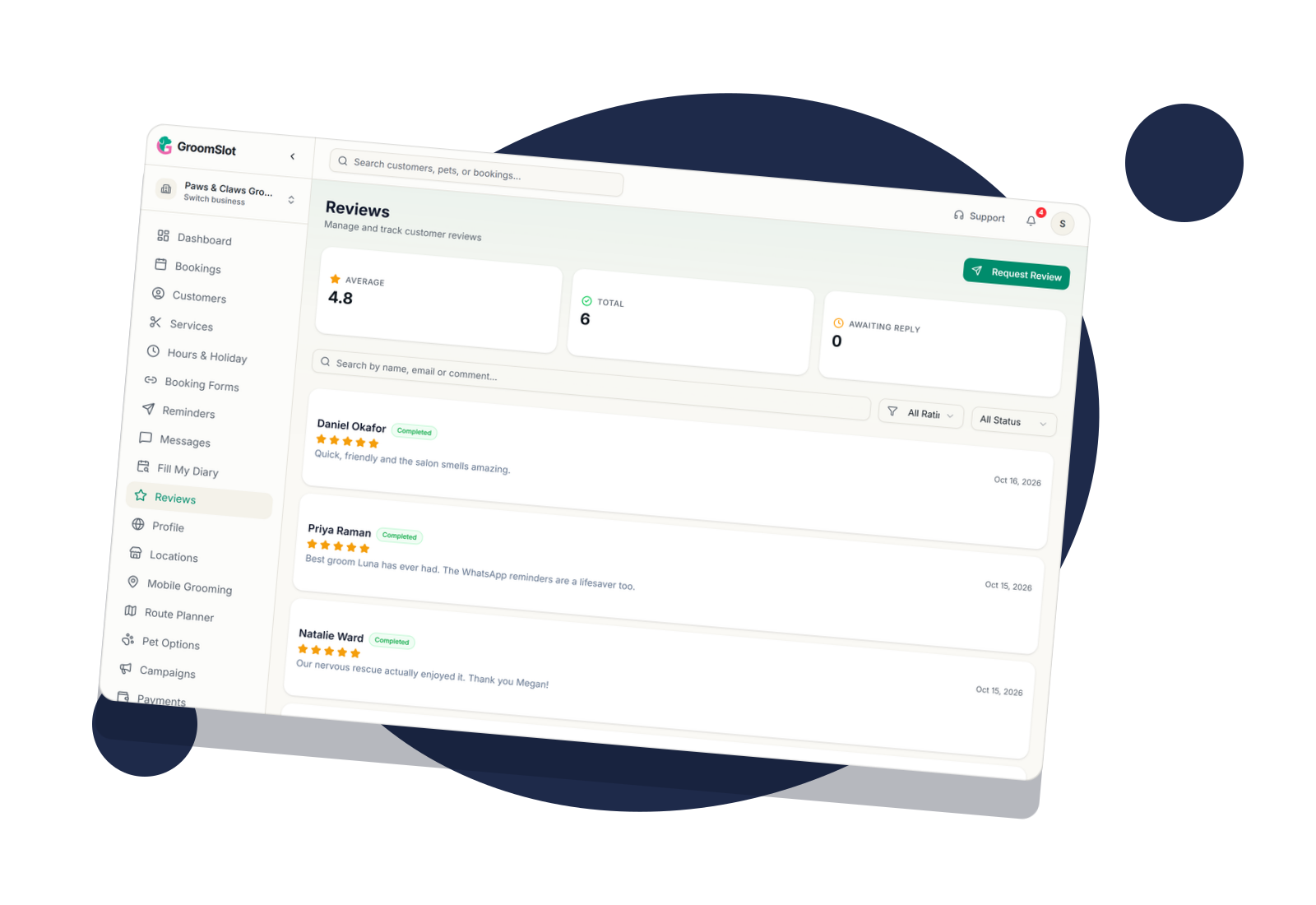
- Real customer reviews
- Your contact details and address with a Google Maps link
- A direct booking button
Share it everywhere
Your profile page lives at a permanent URL. Drop it in your Instagram bio, WhatsApp status, Facebook page, or anywhere else you promote your business.
You can also print your personalised QR code and display it at your salon so walk-in clients can scan and book on the spot.
You are in control
Choose exactly what customers can see. Toggle services, prices, reviews, gallery, phone number, email, and address on or off at any time from your profile settings.
Reviews are pulled directly from your GroomSlot booking history. You can hide individual reviews you don't want displayed — the rest show automatically.
Found on Google too
Your profile page is set up to be found by Google. It includes the right information in the right format so your business can appear in local search results with your name, address, and star rating.
Why it matters for your business
Online presence without a website
A professional page you can share instantly — no developer, no domain, no monthly hosting fees.
Show off your work
A gallery of your best grooms builds trust with new clients before they've even met you.
QR code for your salon
Print your QR code and display it at reception so walk-in clients can book their next appointment on the spot.
Found on Google
The page is designed to help it appear in local search results for grooming in your area.
Total control over what's visible
Turn services, prices, reviews, gallery, and contact details on or off at any time.
See it in action
Frequently Asked Questions
Is the profile page on by default?
No. You need to enable it from the Profile section in your admin settings. Once enabled, it will be publicly visible at your unique URL.
Do I need to do anything to get my services to show up?
Your active services are pulled through automatically. You can choose whether to show prices or not from your profile settings.
How do reviews appear on my profile?
Reviews come from your completed bookings in GroomSlot, and can be requested automatically after an appointment is complete.
Will my profile page rank on Google?
Your page is set up to be found by Google and includes all the right information for local search results. Whether it ranks highly depends on competition in your area, but having the page is a solid first step.
Can I add photos from previous grooms?
Yes, you can upload photos or get them from historic GroomSlot bookings. You can then decide to show or hide individual photos at any time.
Works well with
See how it fits together: How to get more dog grooming clients