What a no-show really costs
When a client does not turn up for a two-hour slot, you lose more than the fee. The lights, the heating and the shampoo still have to be paid for, and by then it is too late for anyone else to take the slot.
You can ask for a deposit, keep a card on file, or do both. Use whichever suits your clients.
Take a deposit when they book
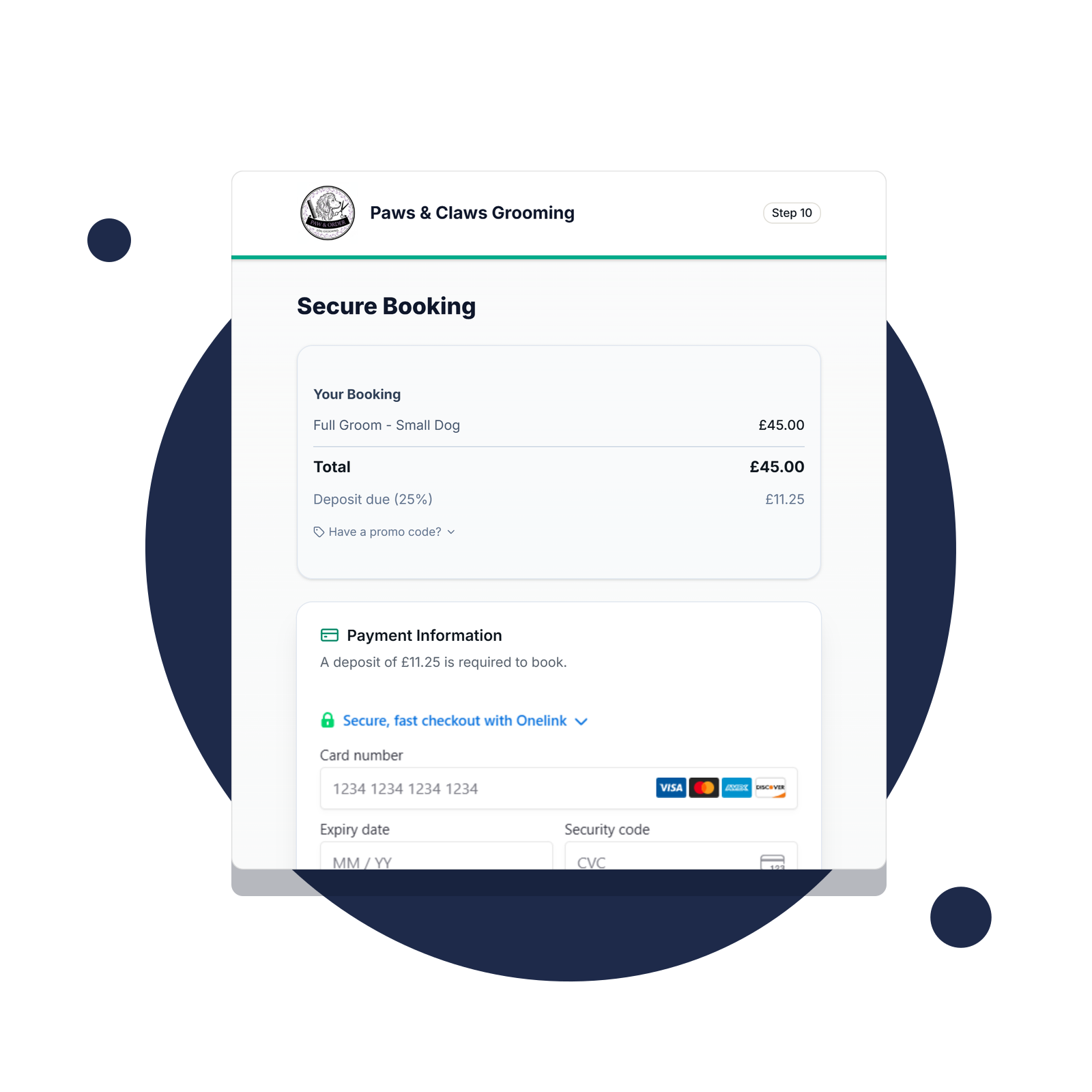
Online bookings can ask for a deposit at the end of the booking form, so the client pays before the booking is made. Set it as a percentage or a fixed amount, then change it for any service, or turn it off for a service or a trusted regular.
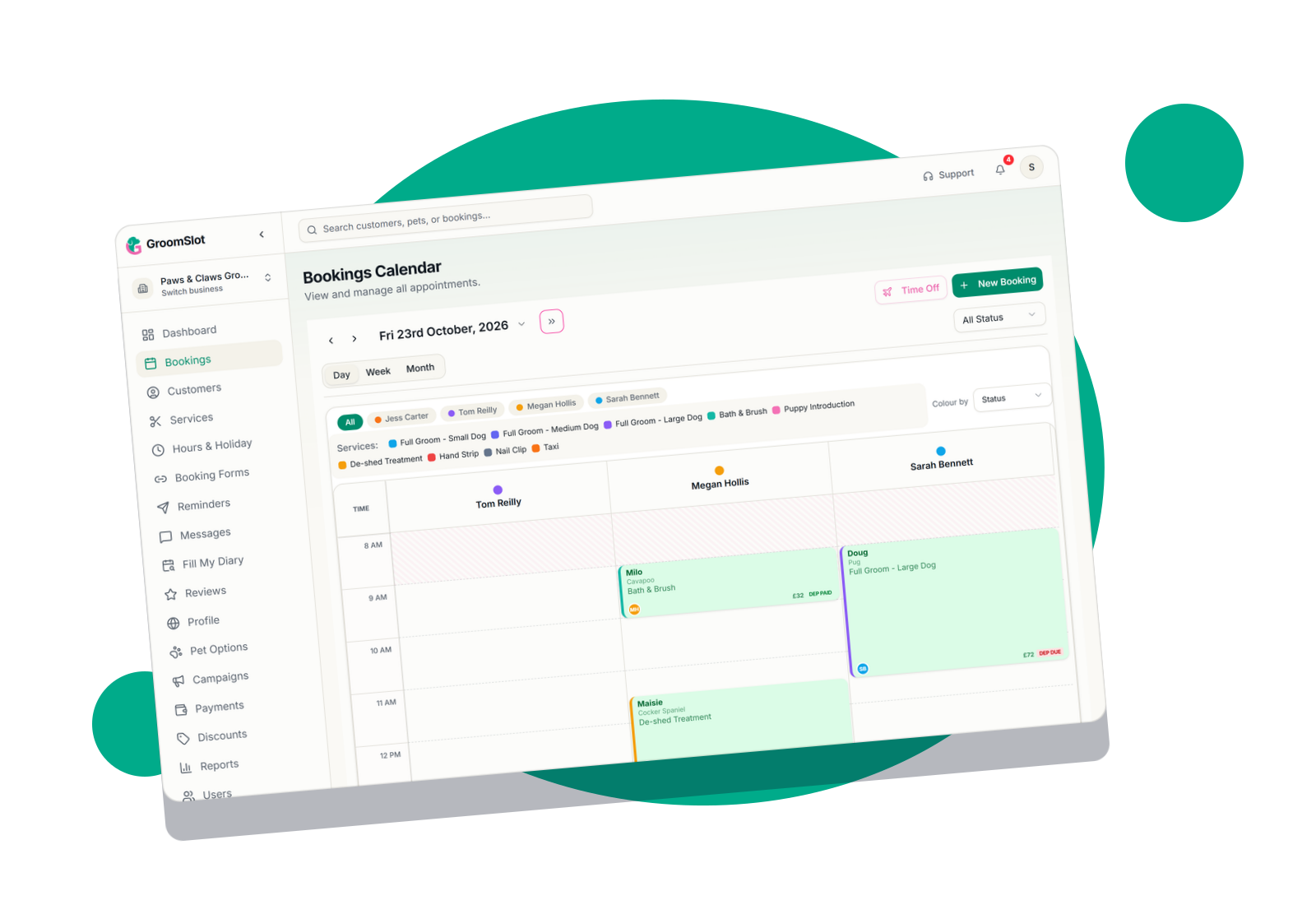
Booking someone in yourself? Request a deposit and the client gets a secure payment link by email, WhatsApp or text. You can keep the appointment pending until they pay, and repeat bookings can ask for each deposit nearer the time. Anything still unpaid is listed under Outstanding payments, where you can send a reminder or cancel.
Or keep a card on file
If you would rather not charge anything up front, clients enter their card near the end of the booking and are told it will not be charged now. The card is held by your payment provider, not by GroomSlot.
Every client agrees to your cancellation and no-show policy when they book. It sets out your notice period and your fee, and you can use your own wording.
Charge a fee only when you choose
Set one fee for no-shows and late cancellations, as a percentage of the booking or a fixed amount, and choose how much notice clients need to give. Nothing is charged automatically.
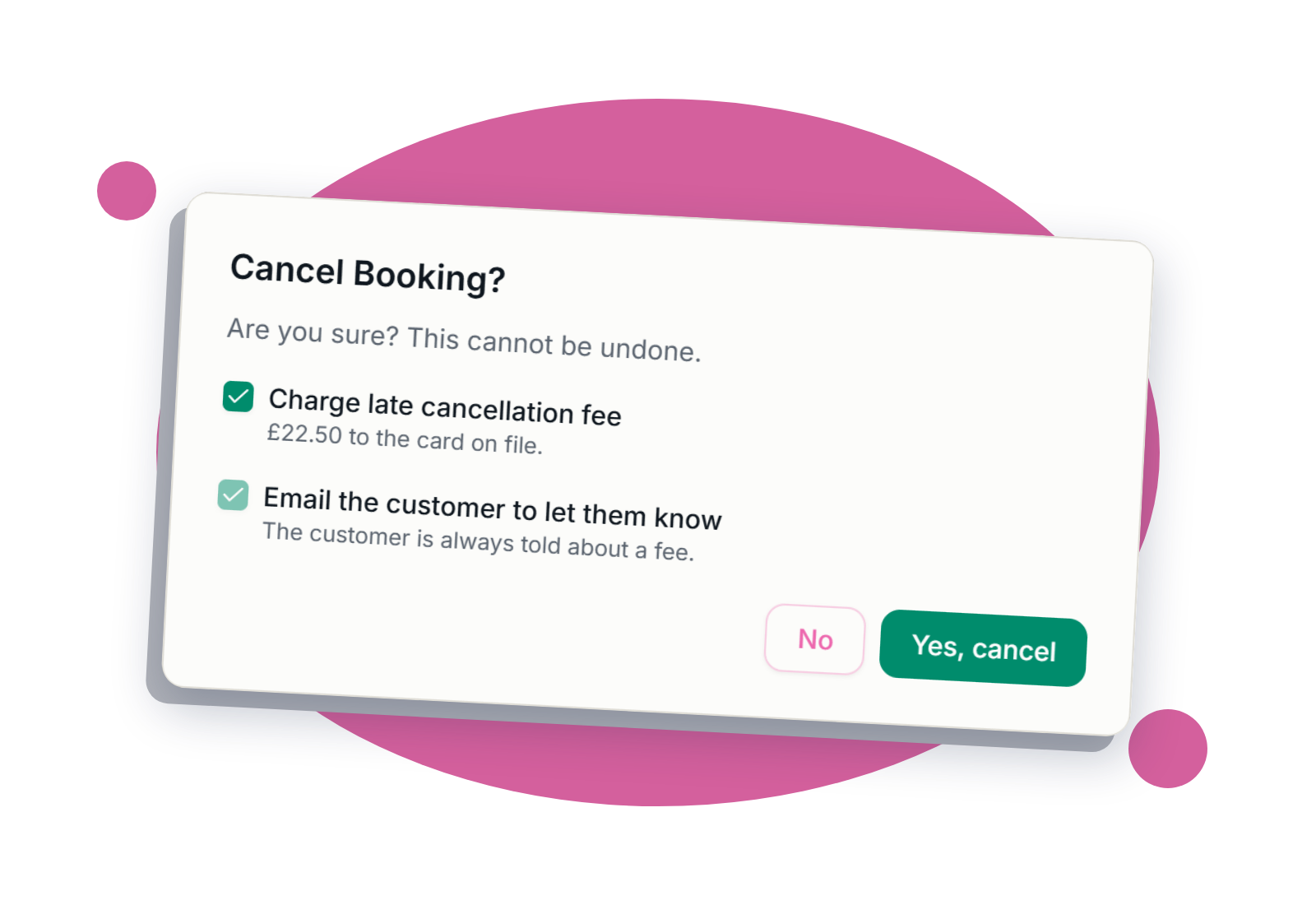
- Late cancellation: when you cancel a booking inside your notice period, tick the box and the card is charged. Leave it unticked to let one go. This works on the website and in the app.
- No-show: mark the booking as a no-show on the website, check the amount and charge it.
Any deposit already paid comes off the fee, so a client never pays more than the cost of the appointment. They are told by email, and the fee shows on the booking and in your reports.
Which payment providers it works with
Deposits work with Stripe, Square, SumUp and Lopay. A card on file and fees work with Stripe and Square, where you can use them alongside a deposit. Lopay cannot save a card. SumUp can only save one when deposits are off, and SumUp does not always keep it, so if you use SumUp, a deposit is the safer choice.
Either way, the money goes into your own account on your provider's normal timescale.
Fewer no-shows to begin with
Protection works best alongside automatic reminders, so clients do not forget in the first place. And if a slot does come free, your waitlist can help fill it.
Why it matters for your business
Your rules
Set your deposit and your fee as a percentage or a fixed amount. Change the deposit for any service, or turn it off for a regular.
Your call, every time
Nothing is charged automatically. You decide whether to charge each fee, so you can let one go.
Your own account
Deposits and fees go into your own payment account. GroomSlot never holds your money and adds no fee of its own.
See it in action
Frequently Asked Questions
Won't my regulars be put off by deposits?
You do not have to ask them. Turn deposits off for any client on their customer record, and they can book online without paying one.
Is a fee ever charged automatically?
No. A fee is only charged when you choose to charge it. The late cancellation box starts unticked every time.
Can a client end up paying more than the appointment costs?
No. The fee is capped at the cost of the booking, and any deposit already paid comes off it.
Is it secure for my clients?
Yes. Card details go straight to your payment provider. GroomSlot never sees or stores full card numbers.
What happens if I have to cancel the appointment?
With Stripe or Square, refund the deposit from the booking, in full or in part. With SumUp or Lopay, refund it in your provider's own account.
What if a late cancellation fee does not go through?
The card is charged before the booking is cancelled. If the charge fails, the booking stays in your diary and you see the reason, so you can contact the client or cancel without the fee.
Does this cost extra?
No. Deposits, card on file and fees are all included in the plan. You pay your provider's normal card fee and nothing more to GroomSlot.
Works well with
See how it fits together: Deposits and card on file for groomers