Why reminders matter in a grooming diary
A no-show is not just a missed fee. It is a two-hour hole in your day that a regular would have happily taken. Most people read a message on their phone within minutes, which is why a WhatsApp or a text cuts no-shows in a way an email on its own never will.
You choose when they go
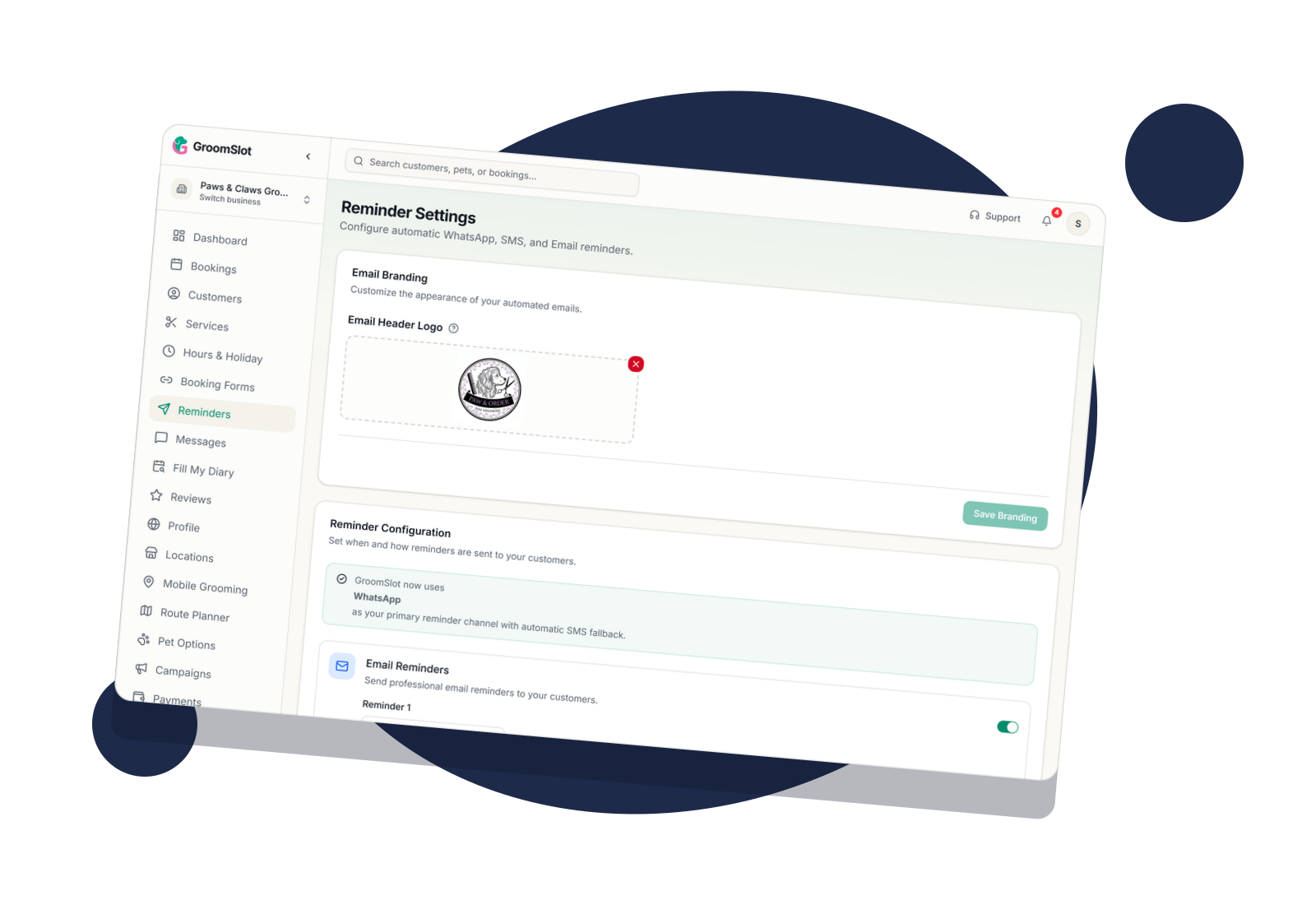
Reminders are set per channel. Switch on email, WhatsApp and SMS, or both. Each channel gets up to two reminders: a few hours before, one, two or three days before, or the day before at a time you set, such as 8am.
A common setup is an email two days out and a WhatsApp the morning before, but it is your diary and your call. Change it whenever you like and the next reminders follow the new times.
WhatsApp first, a text if not
Reminders go out on WhatsApp. If a client's number is not on WhatsApp, the same reminder goes by text instead, and you do not have to check. It counts as one message, not two.
Wording that sounds like you
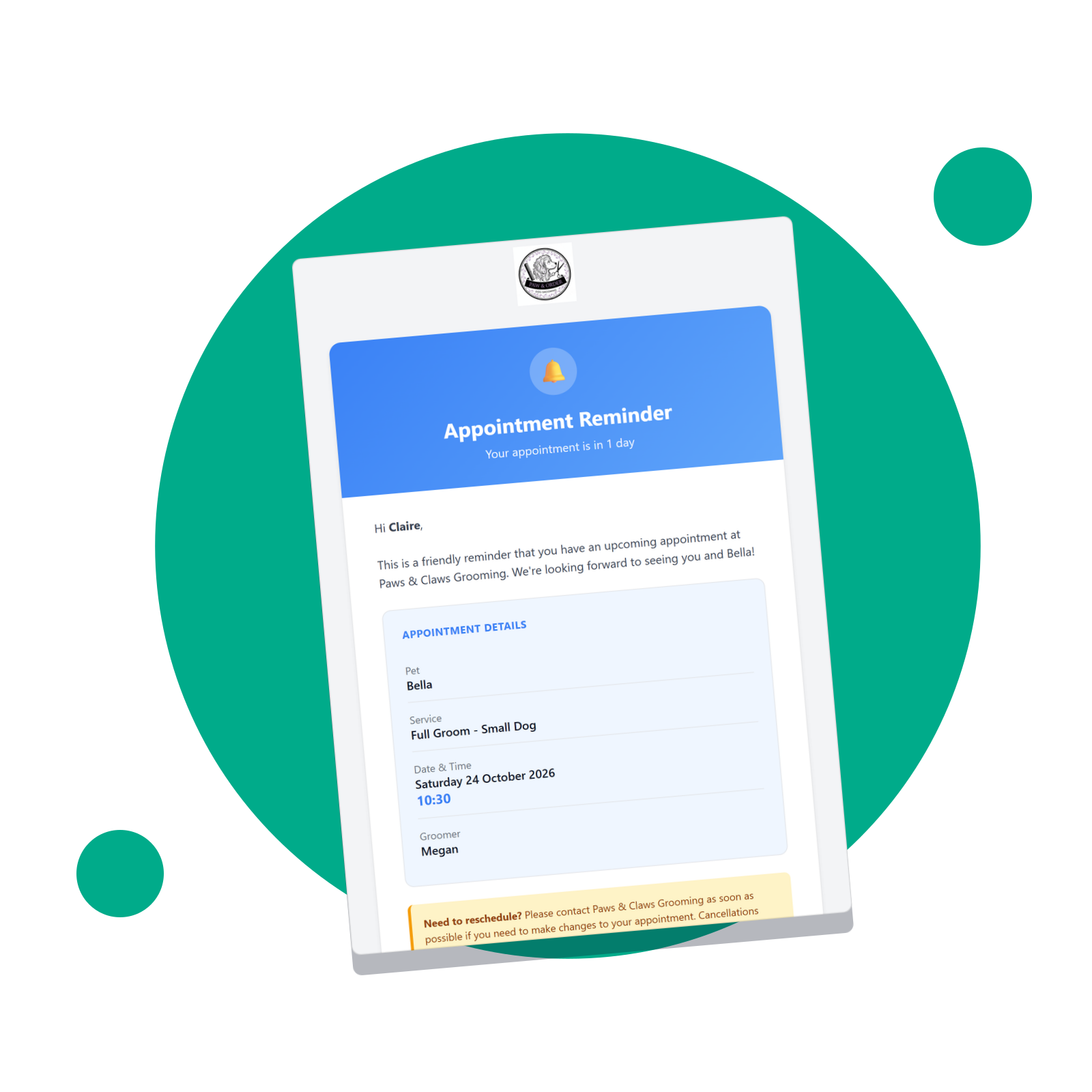
Choose the tone of your WhatsApp and text reminders: straightforward, friendly or personal. Add your cancellation policy so a late cancellation is never a surprise. Bookings with more than one dog get their own wording, so nobody gets three separate messages. Email reminders use your own template, with your logo and your words.
Replies come back to you
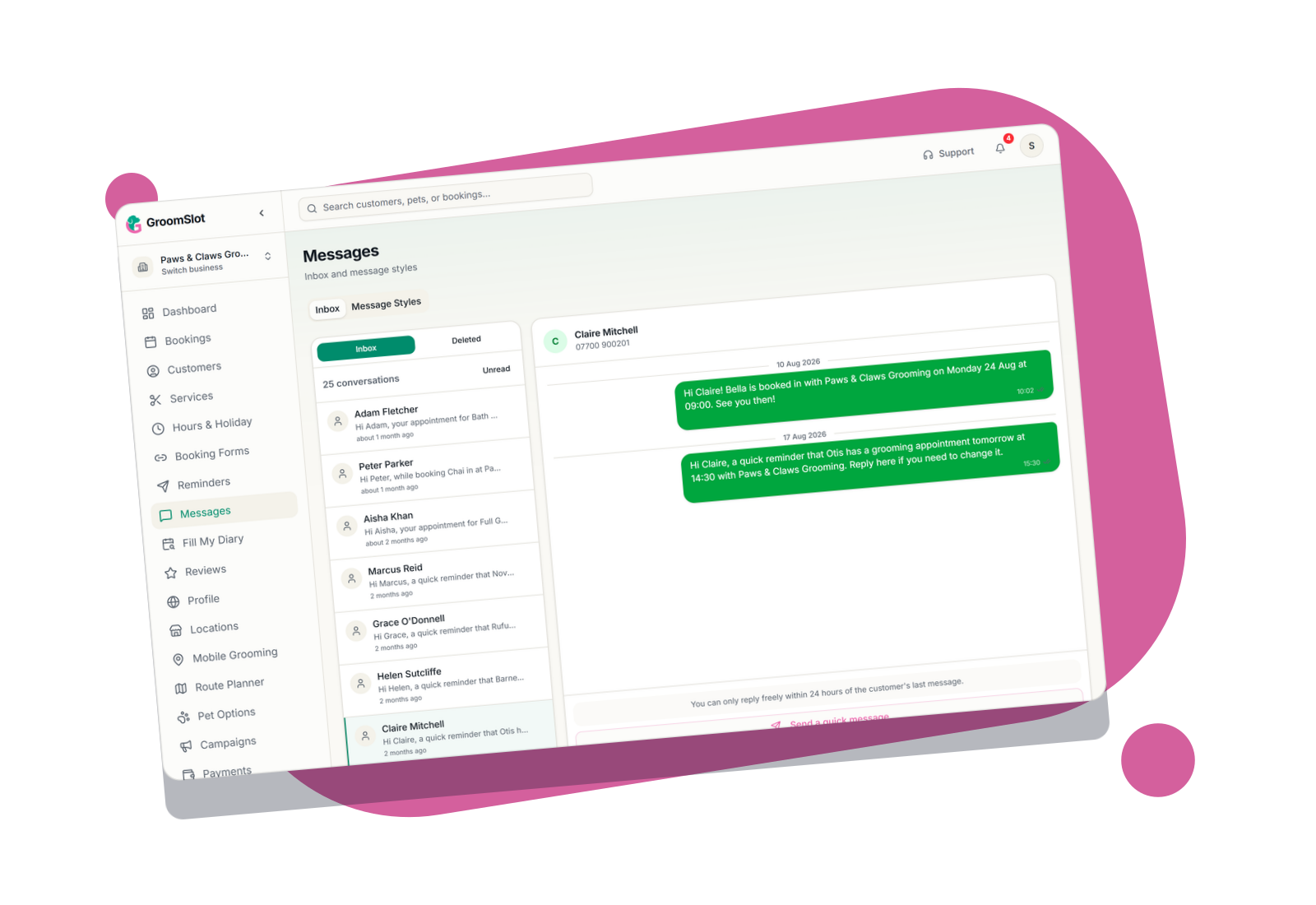
Clients can reply to a WhatsApp reminder, and replies land in your GroomSlot inbox. "Running ten minutes late" or "can we make it 3pm" reaches you instead of disappearing.
Pair reminders with a deposit or a card on file and a no-show costs you nothing. See no-show protection.
Why groomers rely on it
Set once, runs every day
Reminders go out on the schedule you set, for every confirmed booking, without you lifting a finger.
Reaches everyone
WhatsApp for most clients, and a text for the few who are not on it.
Sounds like you
Pick the tone, include your cancellation policy, and write your own email template.
See it in action
Frequently Asked Questions
How many reminders are included?
150 WhatsApp or SMS messages a month are included in the plan, with top-ups from £5 if you need more. Email reminders are unlimited.
What happens if a client is not on WhatsApp?
The reminder goes by text instead, automatically. It counts as one message, not two.
Can I change when reminders are sent?
Yes. Each channel can send up to two reminders, from one hour to three days before, or the day before at a time you choose.
Can I change the wording?
For WhatsApp and SMS you choose from a set of tones and can add your cancellation policy. Email templates are fully editable.
Can clients cancel or change a booking from the reminder?
They can reply, and the reply reaches your inbox. Cancelling or changing a booking goes through you, so your diary stays in your hands.
Do reminders go out for bookings I add myself?
Yes. Every confirmed booking gets reminders, whether the client booked online or you added it to the diary.
Works well with
See how it fits together: Dog grooming booking system: the full picture